
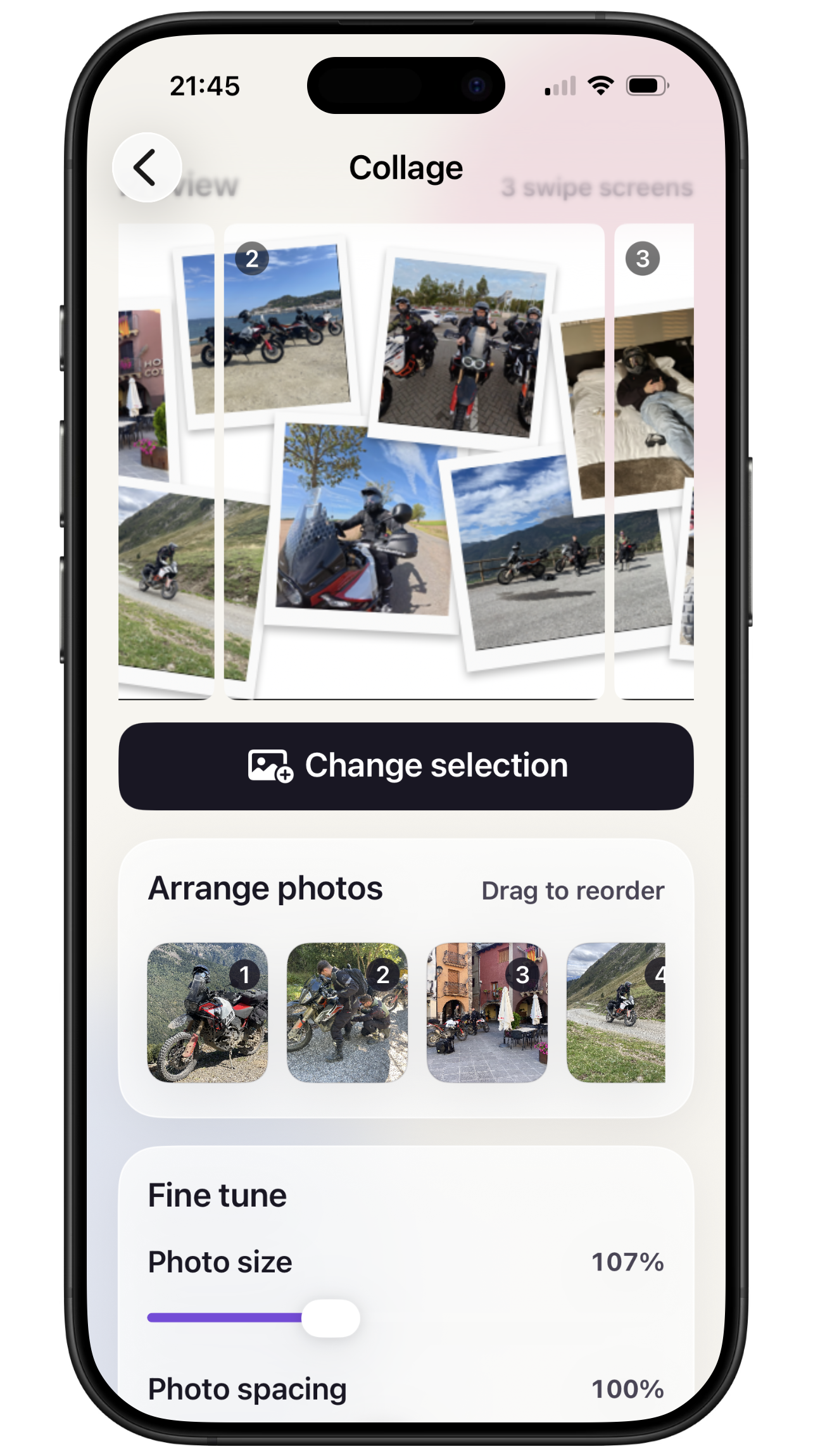
Flexible collages
Arrange up to 12 photos with Grid, Layered, Scrapbook, and fixed Featured designs.
 PicWiz
Split a wide photo into a seamless carousel, combine three photos in a single frame, or create single- and multi-frame designs with flexible layouts. Choose your photos, fine-tune the composition, and preview the finished design before saving.
PicWiz includes five free saves with access to every editor and export format. PicWiz Pro is a one-time purchase that unlocks unlimited saves, with no subscription.
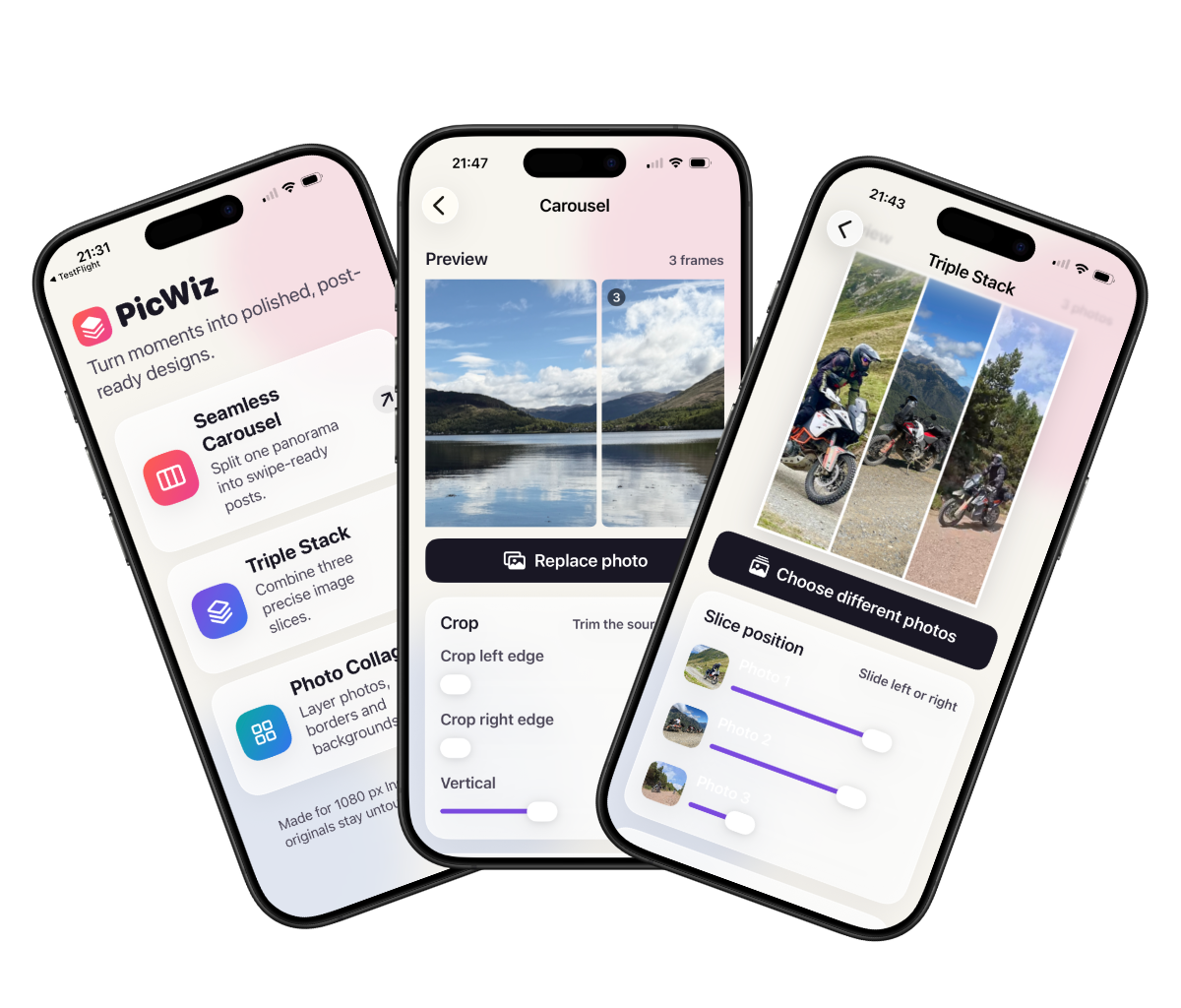
Create Square, Portrait, or Landscape posts at 1080 pixels wide. A single save can produce one finished image or a complete multi-frame carousel, and your original photos always remain unchanged.
Split one wide photo into a seamless carousel of 2 to 10 aligned posts.
Combine exactly three photos in Rows or Columns with adjustable slice positions.
Build Grid, Layered, Scrapbook, and Featured designs with up to 12 photos.
Export Square, Portrait, and Landscape posts at Instagram-ready dimensions.
Try every editor, layout, and export format with five free saves.
Unlock unlimited saves with a one-time PicWiz Pro purchase. There is no subscription.
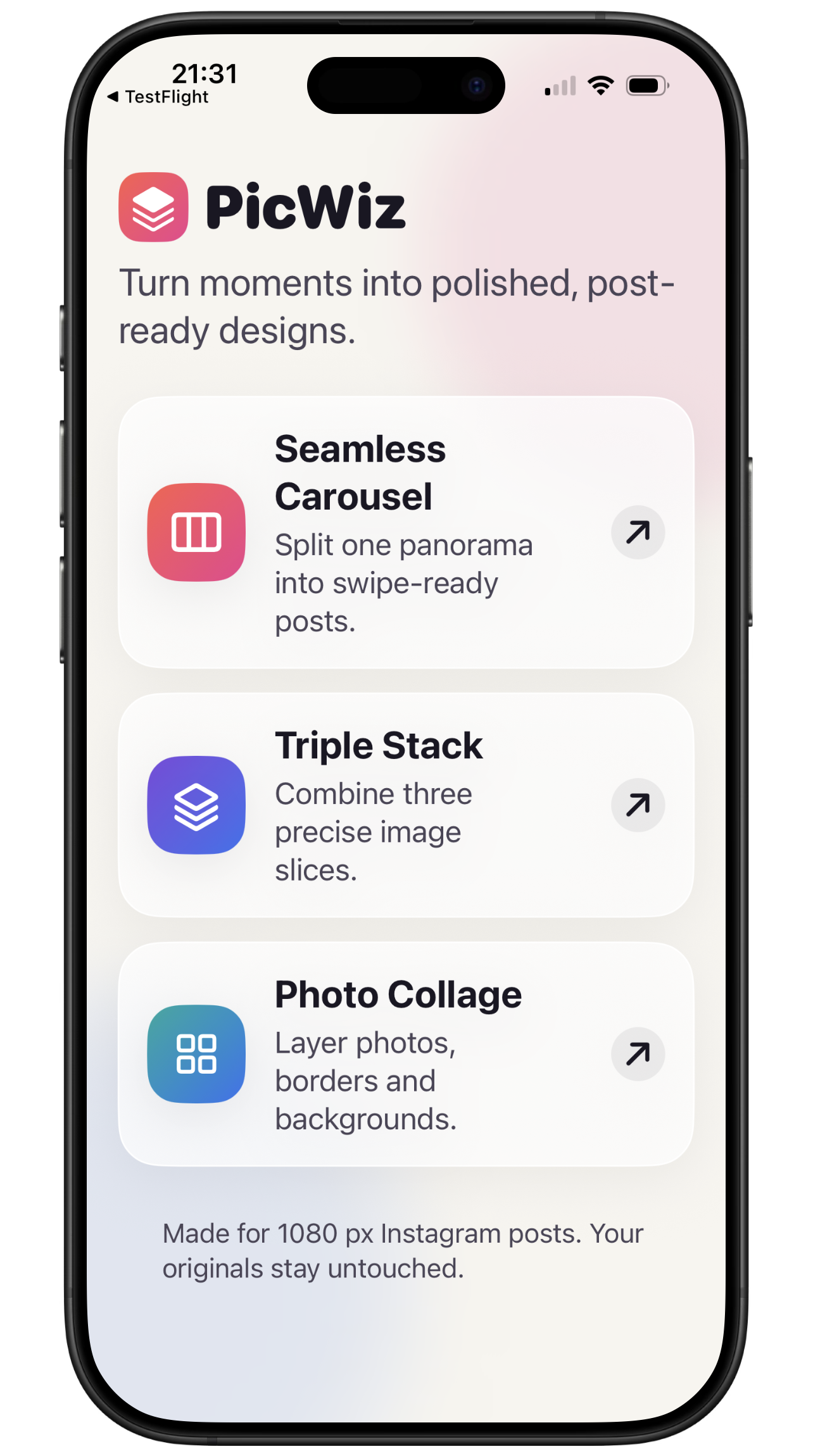
Seamless Carousel divides one wide image into aligned posts. Triple Stack combines three adjustable slices. Photo Collage offers Grid, Layered, Scrapbook, and Featured designs for up to 12 photos.
Arrange up to 12 photos with Grid, Layered, Scrapbook, and fixed Featured designs.
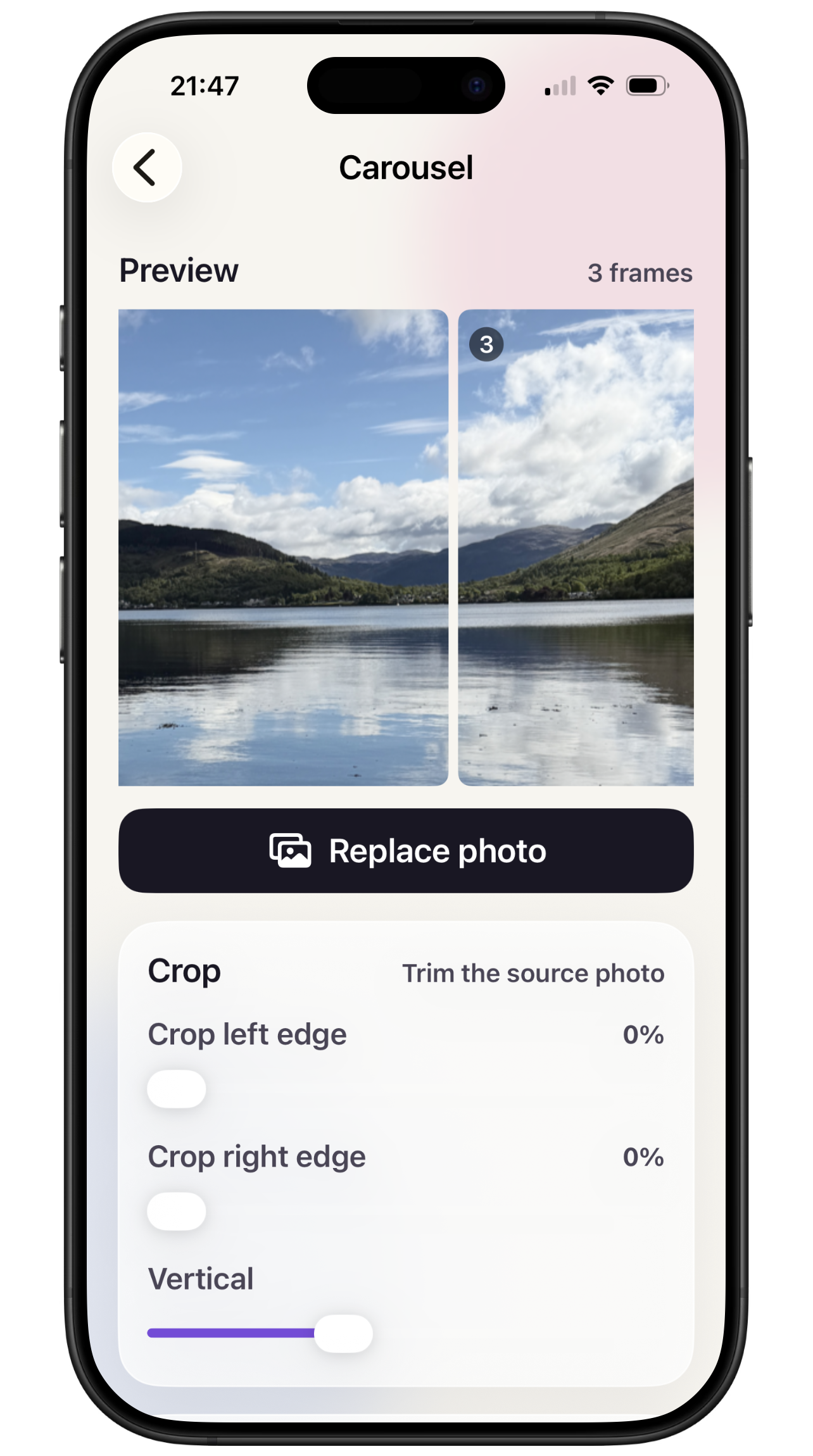
Split a wide image into 2 to 10 perfectly aligned, swipe-ready posts.
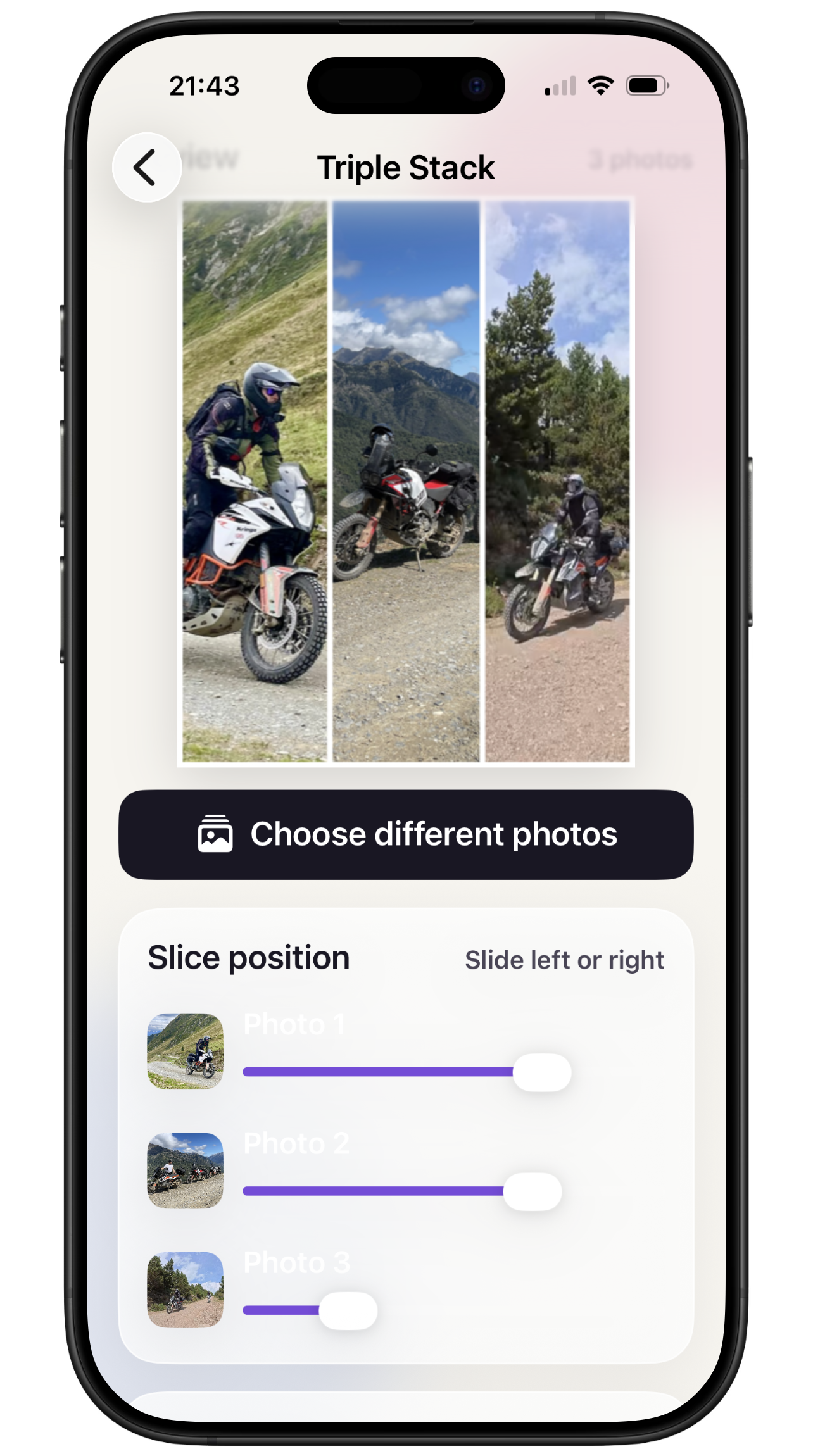
Place three vertical slices side by side and position each photo independently.
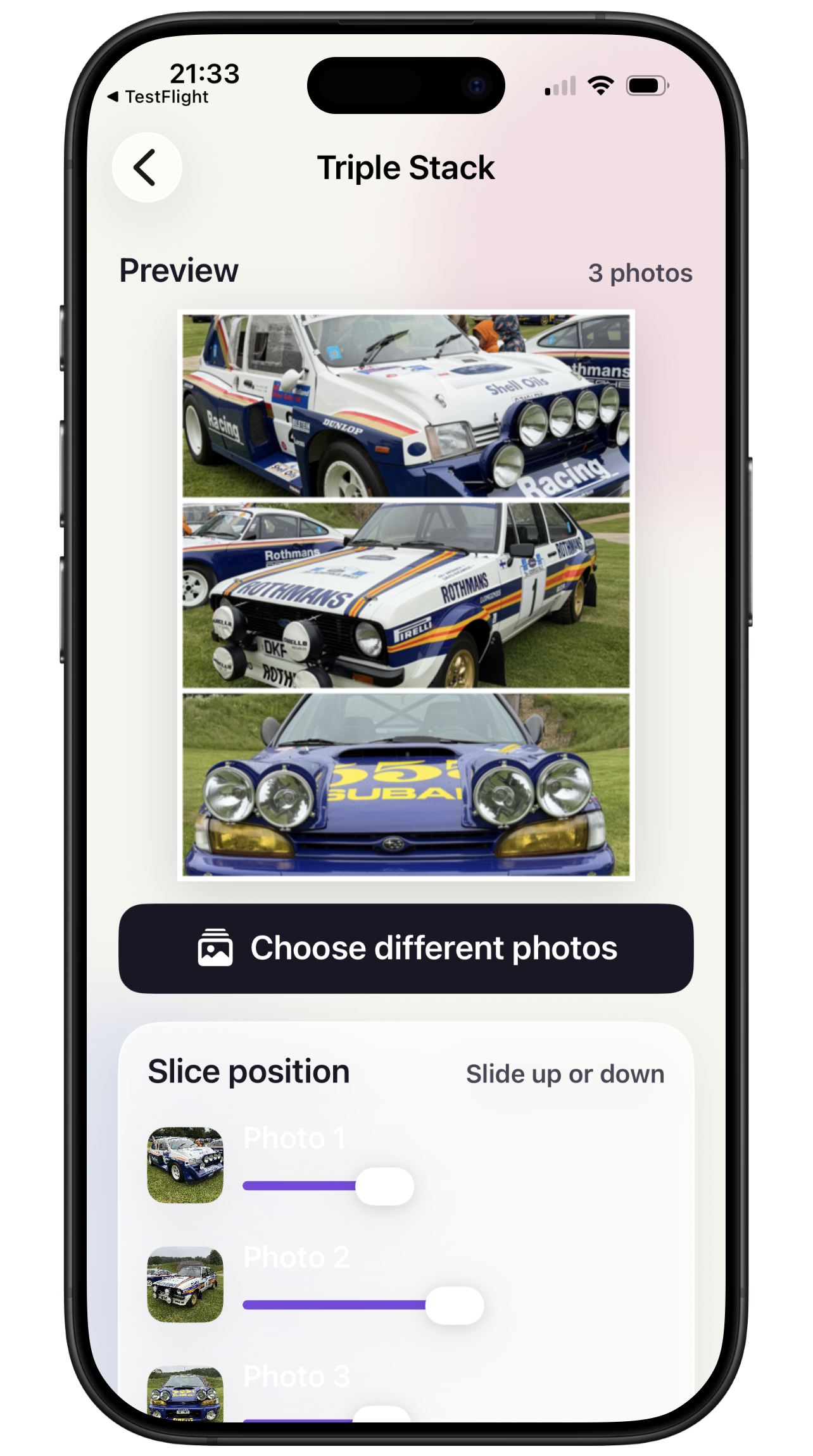
Stack three horizontal slices with optional white dividers and an outer border.
PicWiz only accesses images you choose through the iOS photo picker. Editing, previewing, and full-resolution rendering take place on your device, and your original photos are never changed.
When the design is ready, PicWiz saves new images to Photos in swipe order. One tap counts as one save, even when it exports several carousel frames.
After the five free saves, you can keep creating, editing, and previewing for free. The one-time PicWiz Pro unlock enables unlimited saves and can be restored on devices using the same Apple Account.